Aquarium volume calculator
Compare nominal capacity, rectangular volume in liters and US gallons, and estimated water after substrate.
- Standard tanks or your own dimensions
- Flat or sloped substrate bed
- Keep the same tank for a stocking check
Each aquarium calculator here answers one planning question: how much water your tank holds, how much substrate to buy, or whether a freshwater fish selection fits. Get a useful answer first, then bring the same setup into your scape.
Compare nominal capacity, rectangular volume in liters and US gallons, and estimated water after substrate.
Work out how much material to buy for an even bed or a front-to-back slope, by volume and by estimated weight.
Estimate load by adult size and animal count. Review tank size, group size, temperature and known conflicts separately.
For water capacity, start with volume. For how much sand, gravel or aquasoil to buy, start with substrate. If you already have an animal list, start with stocking and enter the tank you intend to use. All three tools share the same dimensions and substrate depths when you move between them.
Use it when you need the tank’s capacity, the water left after a substrate bed, or the weight of that water. Pick a standard tank or enter your own dimensions in inches or centimeters.
Use it before ordering a bed. It returns liters and cubic feet, an estimated weight from a density you can see and change, and how many common bag sizes that is.
Use it when you have a selection in mind. It estimates load from adult size and count, then lists group size, shared temperature and recorded conflicts as separate checks.
Each result can open a new tank in the Scapesome aquarium planner. Carry over your dimensions, substrate depths and species counts, then place rocks and plants by hand. Your existing tanks stay as they are.
Planning is free. Images and AI analysis are optional paid actions; the calculators do not trigger them. See what is included in each plan.
Volume assumes a rectangular tank and a simple substrate slope. Substrate weight depends on a bulk density that varies by brand, so the density used is always shown. Stocking is a freshwater planning heuristic; it cannot verify filtration, cycling or actual water conditions. Review the explanation on each tool and the tank and species library for the details behind your choices.
An aquarium calculator turns tank measurements into a planning number: water volume, how much substrate to buy, or an estimated animal load. Scapesome has three free calculators that share the same tank dimensions and substrate depths.
Start with the question in front of you. Use the volume calculator for gallons and liters, the substrate calculator before buying sand, gravel or aquasoil, and the stocking calculator when you already have a fish, shrimp or snail list. Your setup carries over between them.
Yes. Dimensions start in inches and switch to centimeters. Volume is shown in US gallons and liters. Substrate is shown in liters and cubic feet, with an estimated weight in pounds or kilograms.
Yes. The calculators are free and need no sign-up. Planning a tank in Scapesome is also free; images and AI analysis are optional paid actions, and the calculators do not trigger them.
Yes. Each result can open a new tank in the Scapesome aquarium planner with your dimensions, substrate depths and species counts, where you place rocks and plants by hand. Your existing tanks stay as they are.
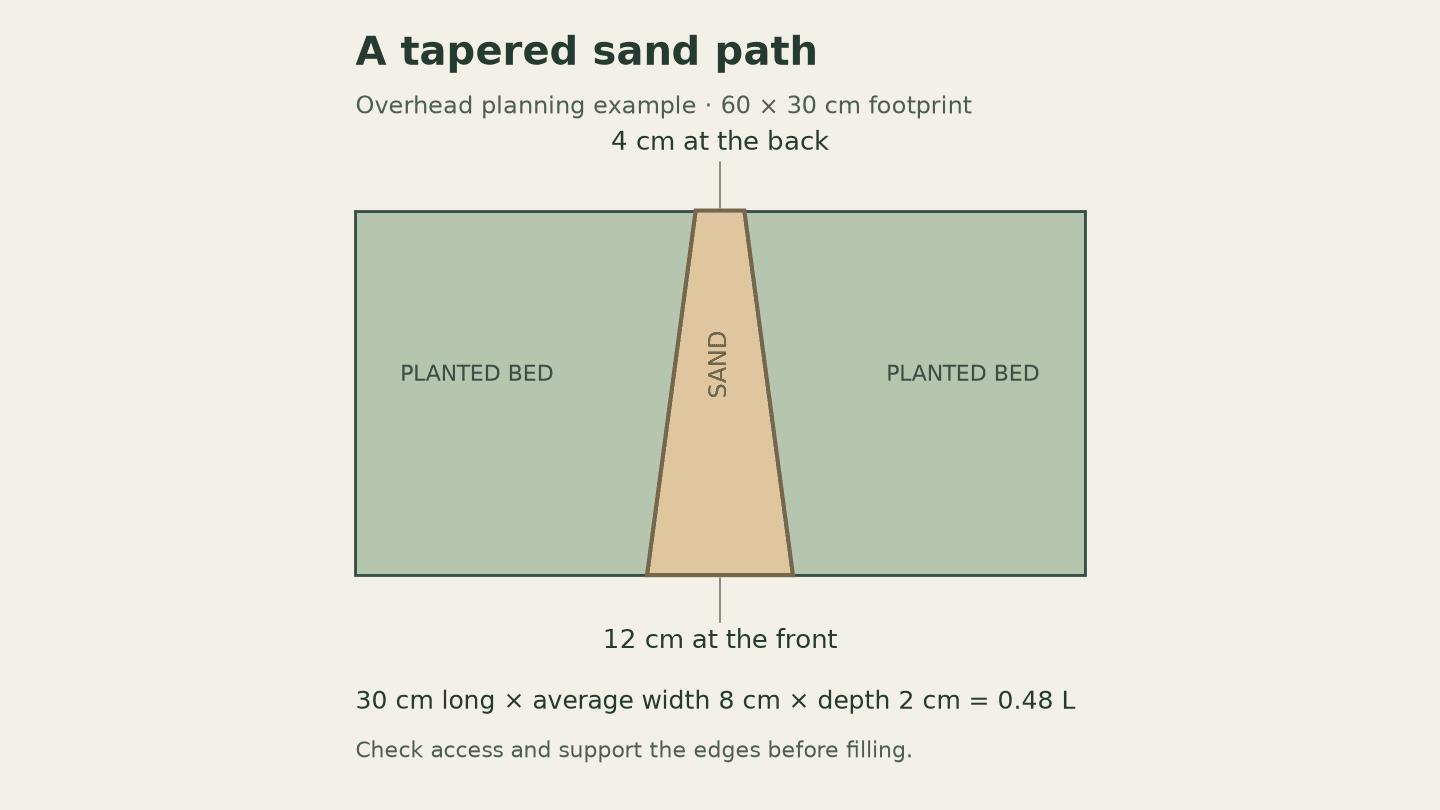
A reachable route and a supported soil edge make a sand path easier to maintain. Rehearse access, estimate a tapered footprint and restore the surface without widening it each time.
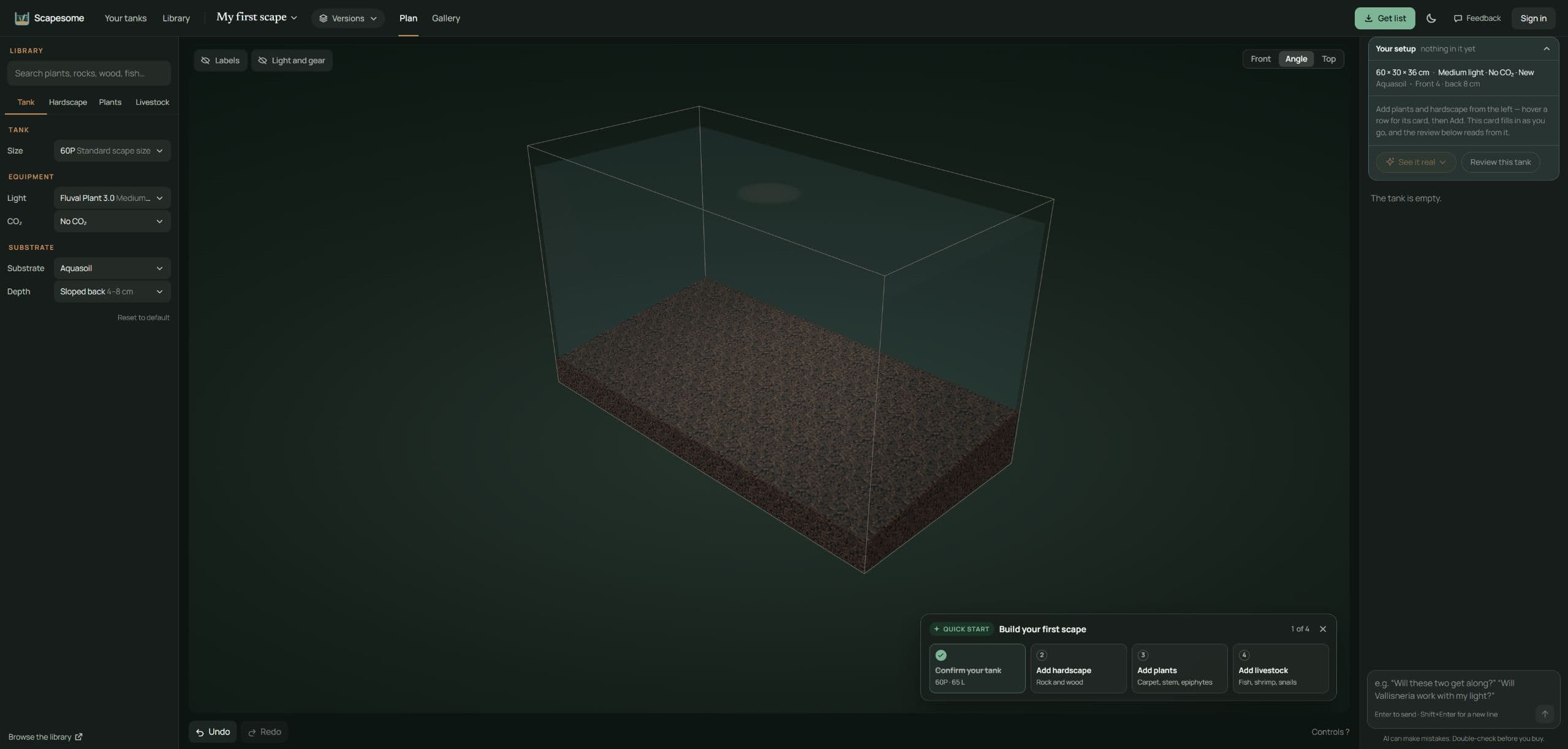
Plan flat or sloped substrate, split sand and aquasoil into separate zones, then estimate liters, weight and bags using the material’s density.
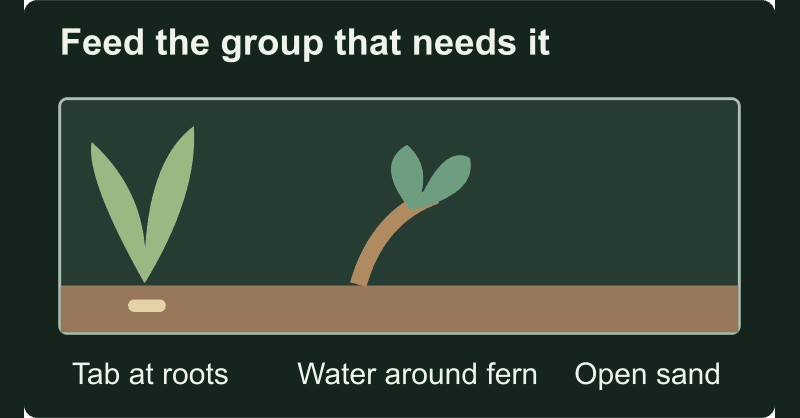
Compare root capsules and two liquid formulas, then scale a stated label dose to a 51.3 L water estimate for a mixed planted aquarium.