Aquarium substrate calculator
Work out how much sand, gravel or aquasoil to buy for an even or sloped bed, in liters and estimated pounds or kilograms.
Use the aquarium planner to build your tank in 3D for free, with real rocks, plants and fish. See it grown in, check what won’t work, and ask what to change before you buy.
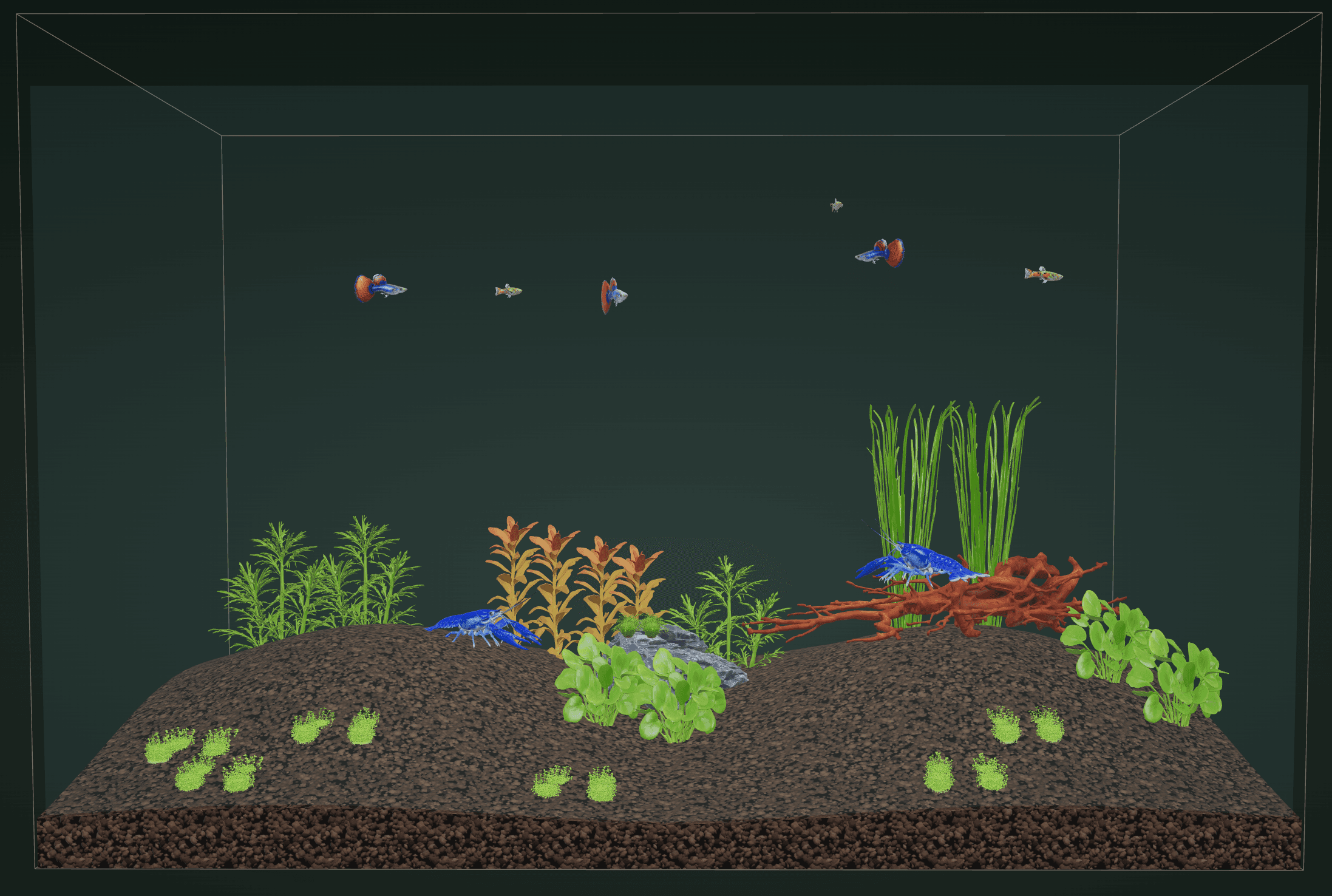
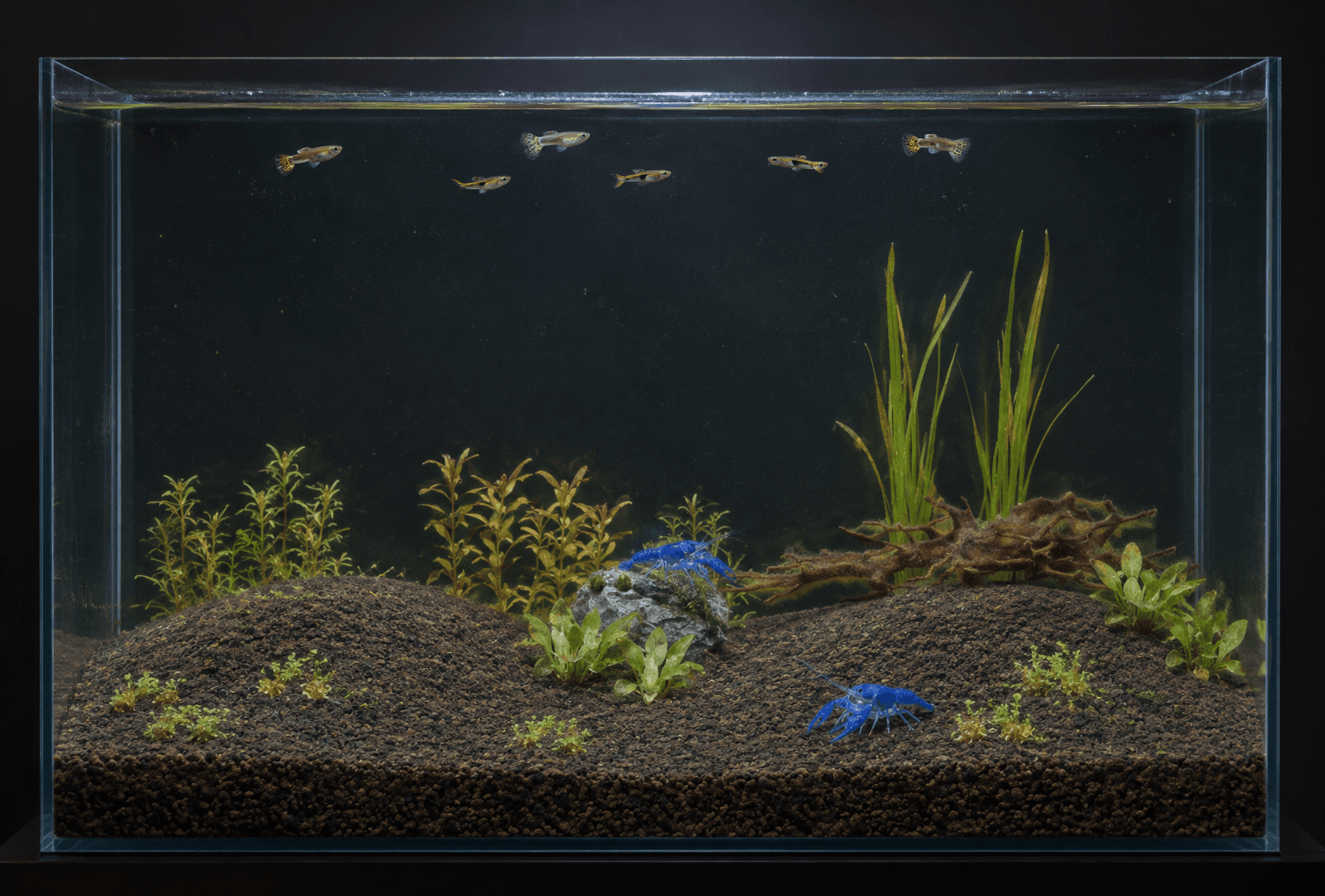
Set its size, light, CO₂ and substrate.
Place rocks, wood, plants and fish by hand. Turn, tilt and resize until it looks right.
See your scape grown in at any month, from four angles.
Review this tank for what won’t work, then ask what to change.
This aquarium planner works from the scape you placed.
Use the aquarium builder to try an aquascape design with real rocks, wood, plants and fish at a real size. Pick from several shapes of each stone, then turn it, tilt it, or tie moss onto it.
The image is drawn on top of your exact layout, so every stone stays where you put it. Pick any month from just planted to a year in, from the front, the side, an angle or above. Try another layout without losing this one: every image remembers the version it came from.
One review looks at everything together: the temperatures your fish share, who eats whom, how full the tank is, and what won’t grow in your light and CO₂. Then ask what to change.
One card with the tank, its size and setup, and everything in it with counts. Post it and people can see exactly what you’re working with.
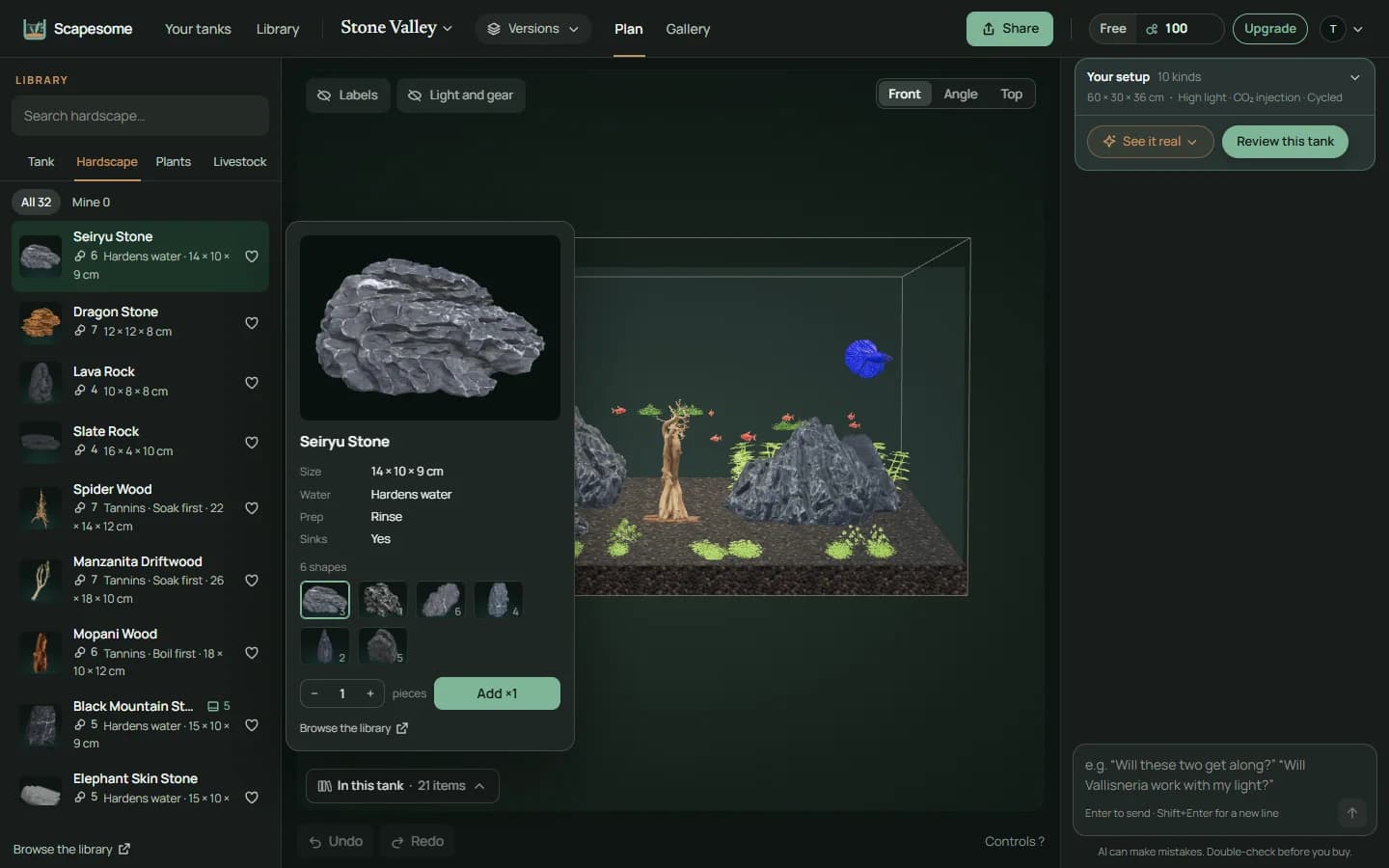
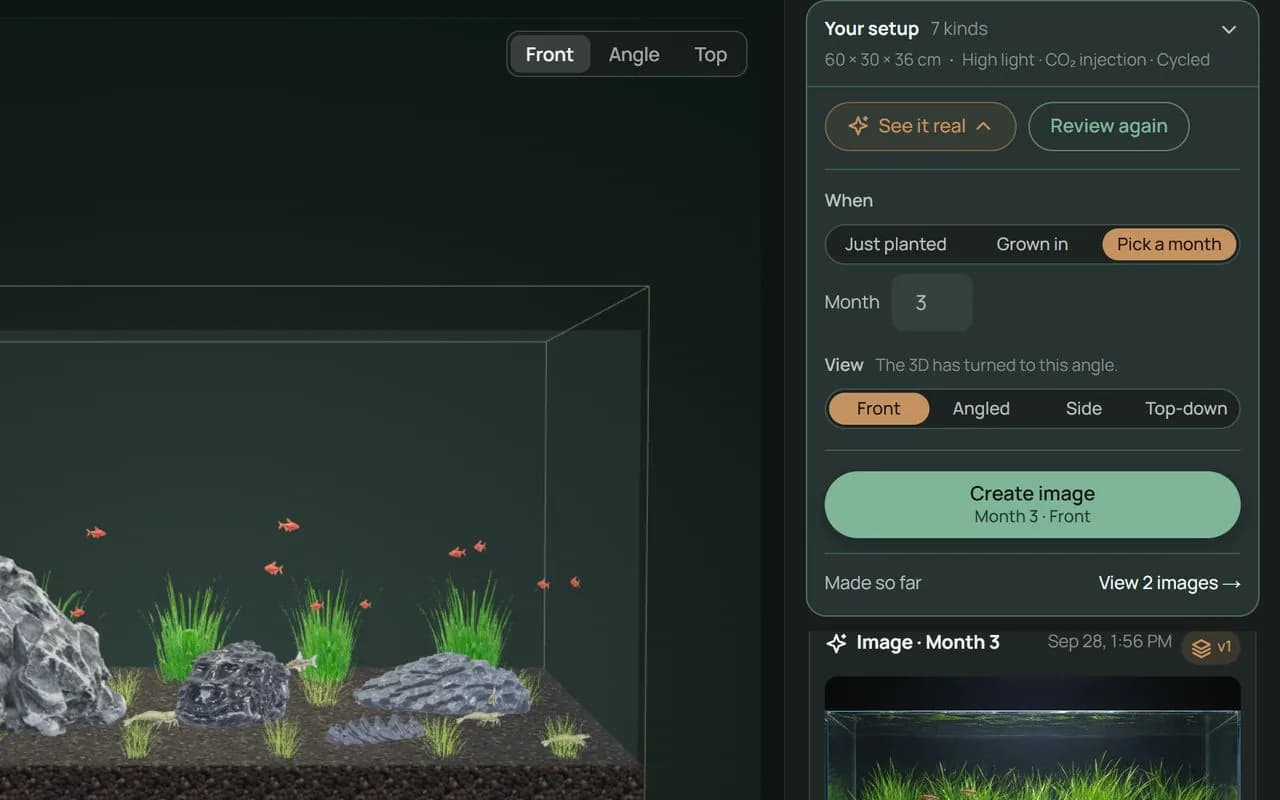
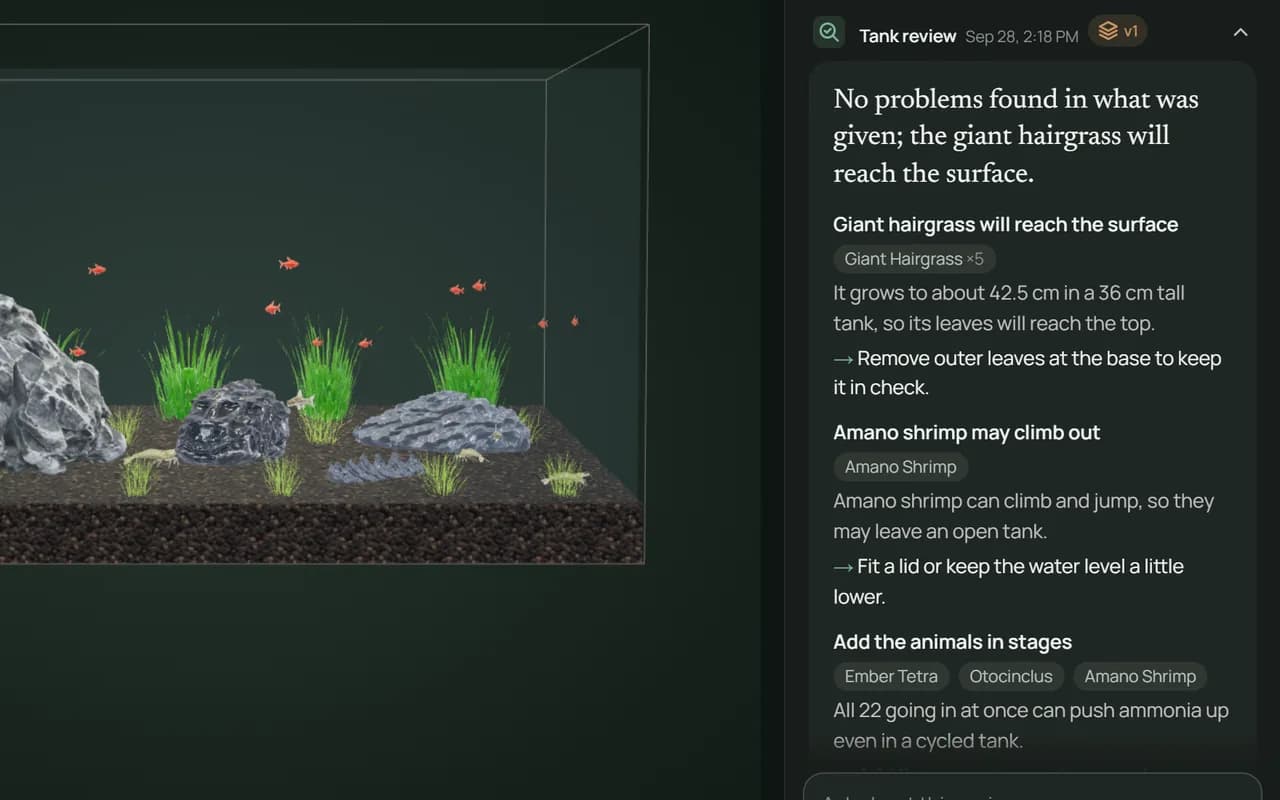
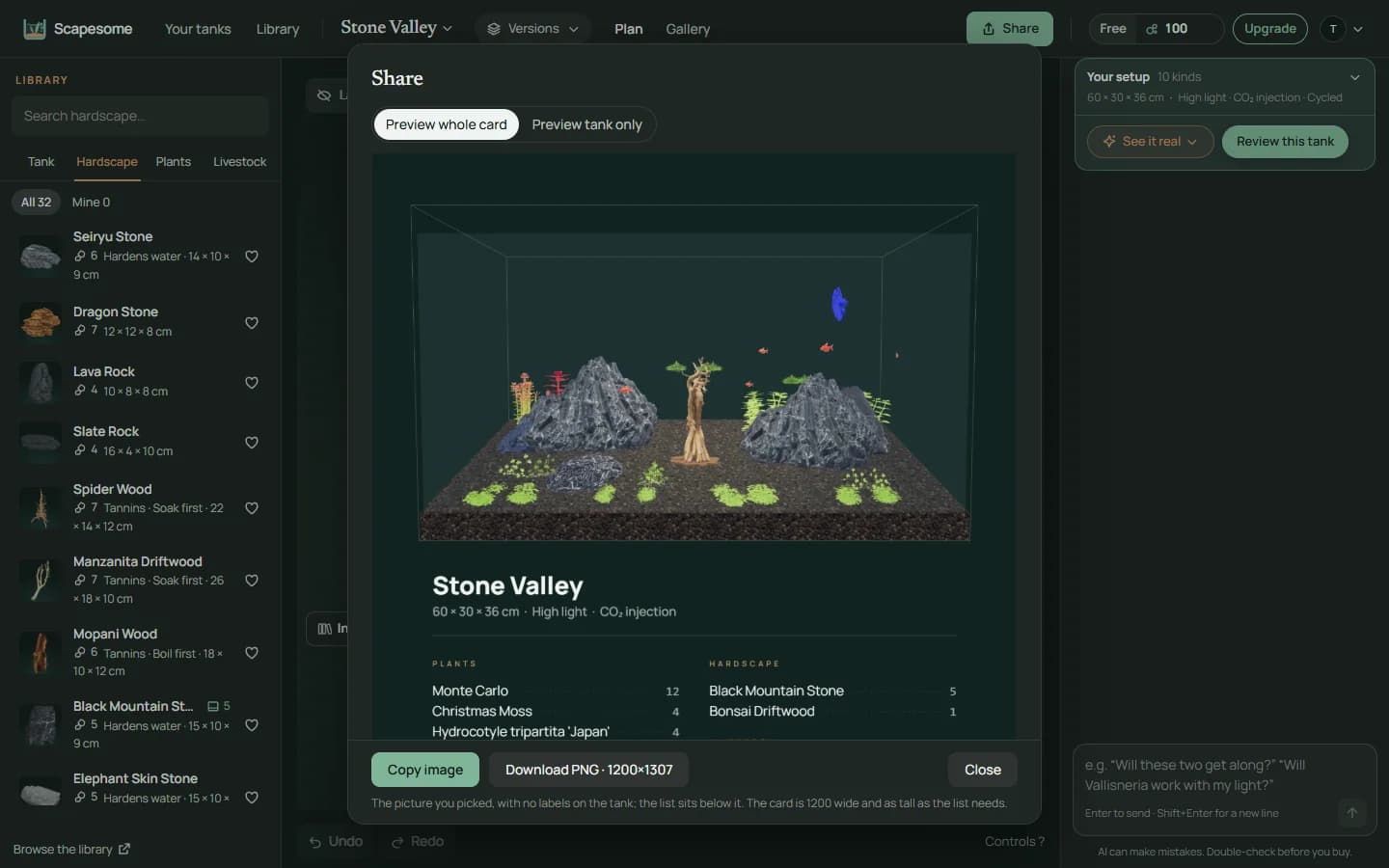
The aquarium planner: pick a shape for each stone, then place and turn it.
Work out water and substrate volume, or check a freshwater stocking selection. Then carry your setup into the planner.
Work out how much sand, gravel or aquasoil to buy for an even or sloped bed, in liters and estimated pounds or kilograms.
Review fish, shrimp and snail counts, estimated load and species checks.
462 things you can place, each with what to know before it goes in.
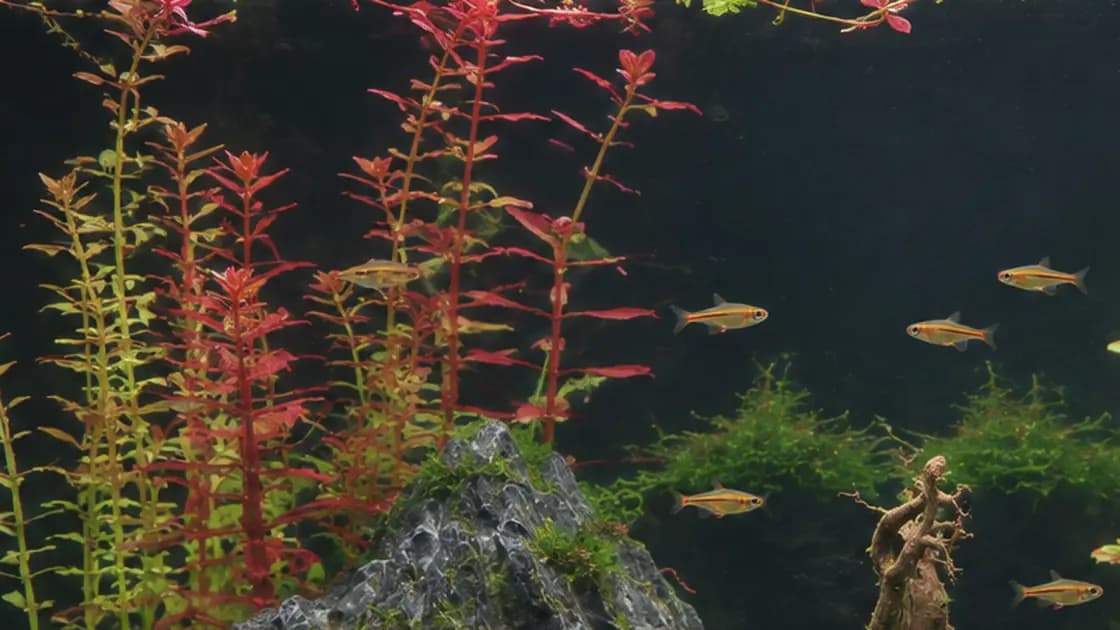
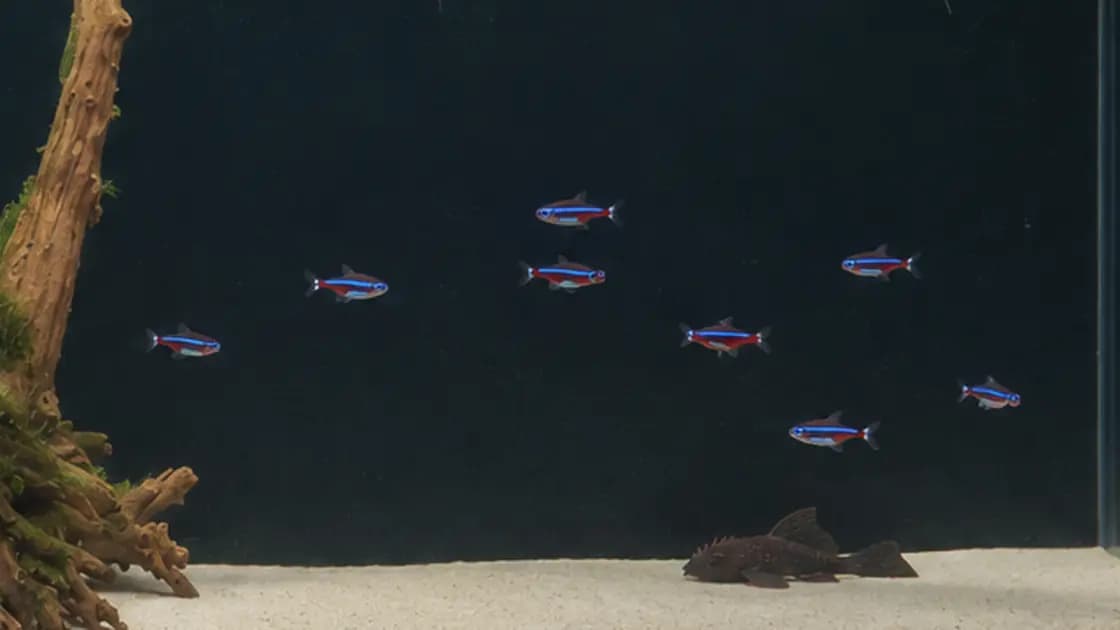
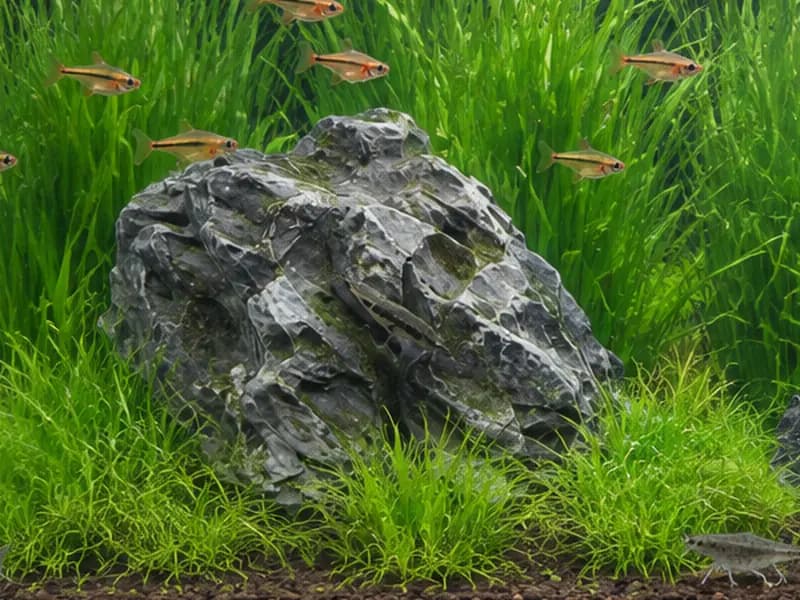
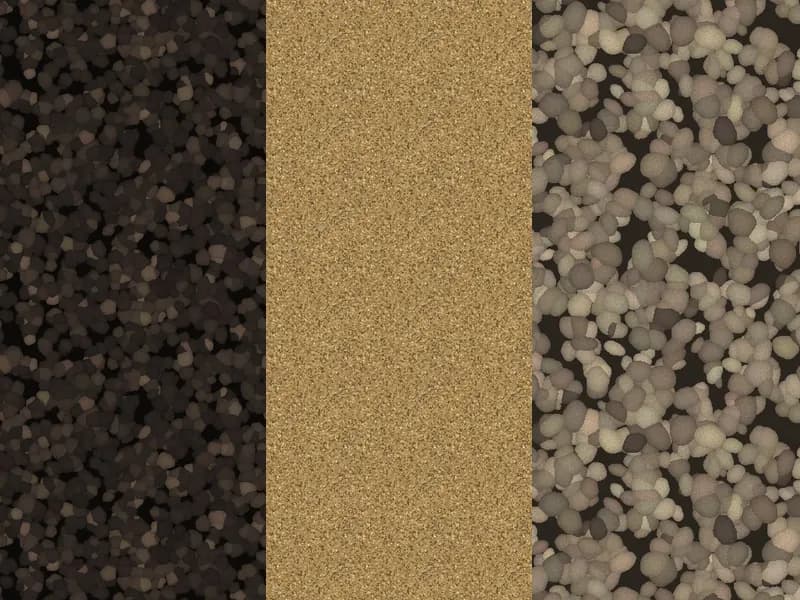
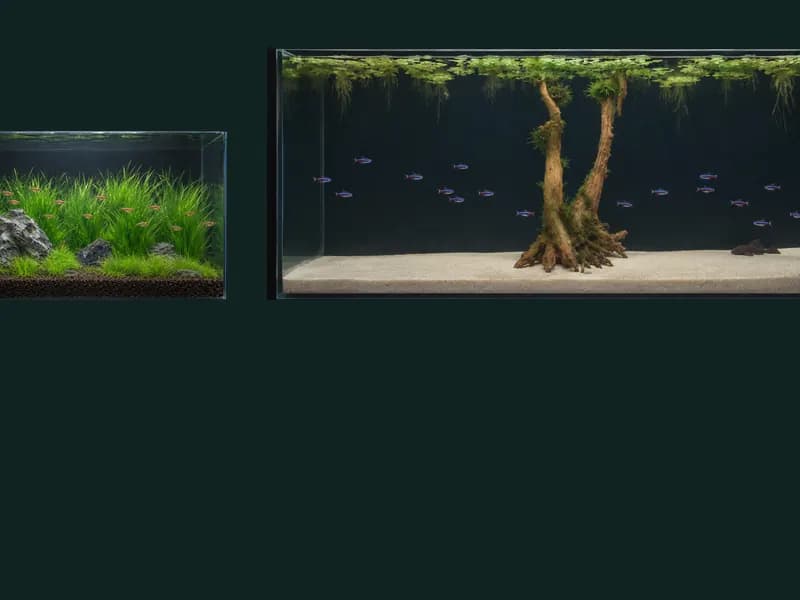
No. You scape it; this aquarium planner shows you how it grows in and checks whether it will work. It never places a rock for you and never offers “a few scapes to pick from.”
Up to 1 tank on Free, with the full 3D planner, library, saving and sharing included. You can place a tank and browse the library without an account. Sign in for 100 free credits to try images, tank reviews and questions. Subscribe to Plus or Pro for more tanks and monthly AI credits. Credit packs add AI credits to your current plan.
Check the library above: it lists 460+ plants, fish, shrimp, snails, rocks, woods and substrates you can place, and you can pick a standard tank or enter your own size. Something missing? Tell us from the library page and we add the most-requested first.
Bringing in your own pieces is on our list. For now, match them in the library: pick the closest stone or wood, choose from its shapes, then resize, turn, tilt and recolor it until it looks like yours. Can’t find anything close? Tell us about it from the library page. We add new shapes and species based on what people ask for, most-requested first.
Ask the aquarium planner. Point to the spot and it suggests plants from the library that suit your light and CO₂, with the reason for each. You decide what goes in.
The image follows your layout: stones stay where you put them, and each plant is grown to the month you pick from its own growth data. Treat it as a preview, not a promise. Real growth also depends on your light, CO₂, fertilizer and care.
It reads your setup, what you placed and each species’ data. It looks for problems on top of a fixed set of safety rules (temperature overlap, who eats whom, stocking), and safety points are never dropped. Every point names the condition behind it. It’s a second pair of eyes, not a guarantee; the call stays yours.
Your tanks, versions and images are stored on our server and only used to plan your tank and make its images. You can delete your account and data at any time.
Use this aquarium planner as a fish tank builder: choose your tank size and place rocks, wood, plants and fish in 3D. Try the arrangement by hand, then preview how it grows in and check it against your setup.
The aquarium planner runs in your desktop browser, with nothing to install. Use it as a fish tank planner to choose real plants and hardscape from the library, adjust their size and position, and try your own arrangement.
Yes. Use the aquarium planner to choose your tank size and place real rocks, wood, plants and fish by hand. You choose the arrangement; the 3D view, grown-in images and tank checks help you decide what to change before buying materials.
Each one placed by hand, then drawn at the month shown.
Notes on planning, planting, and the first weeks of a new tank.
 Plants
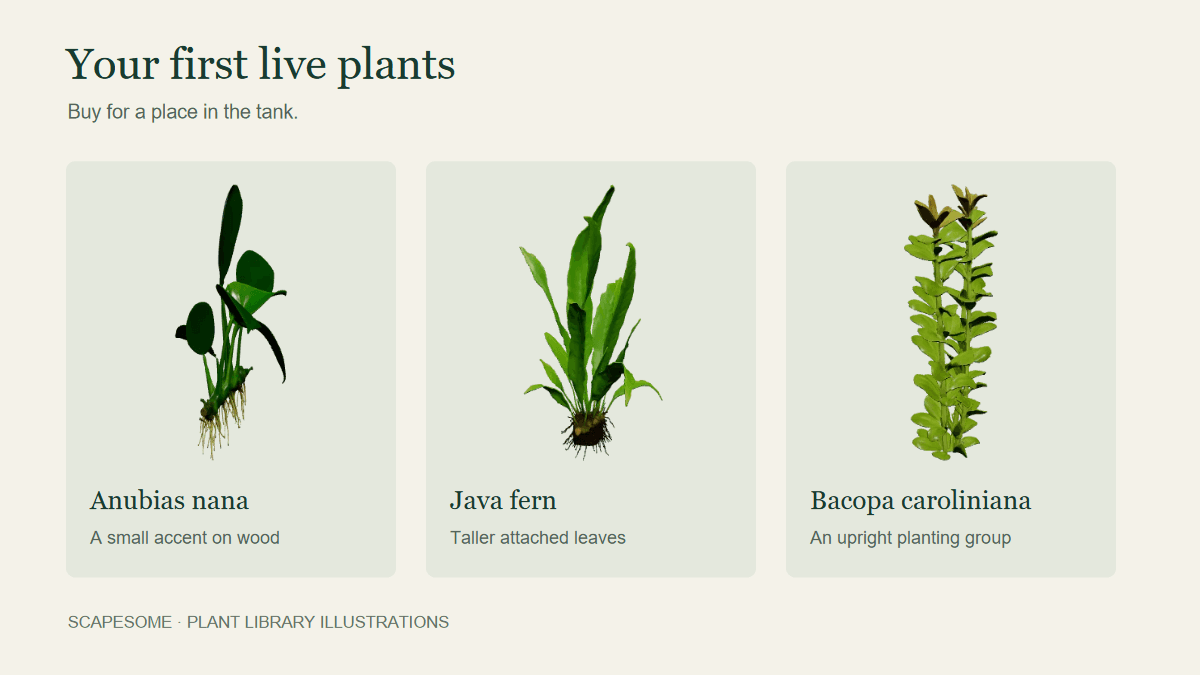
Five useful beginner plants, three starting shopping lists, and a way to check the space before buying.
 Hardscape & substrate
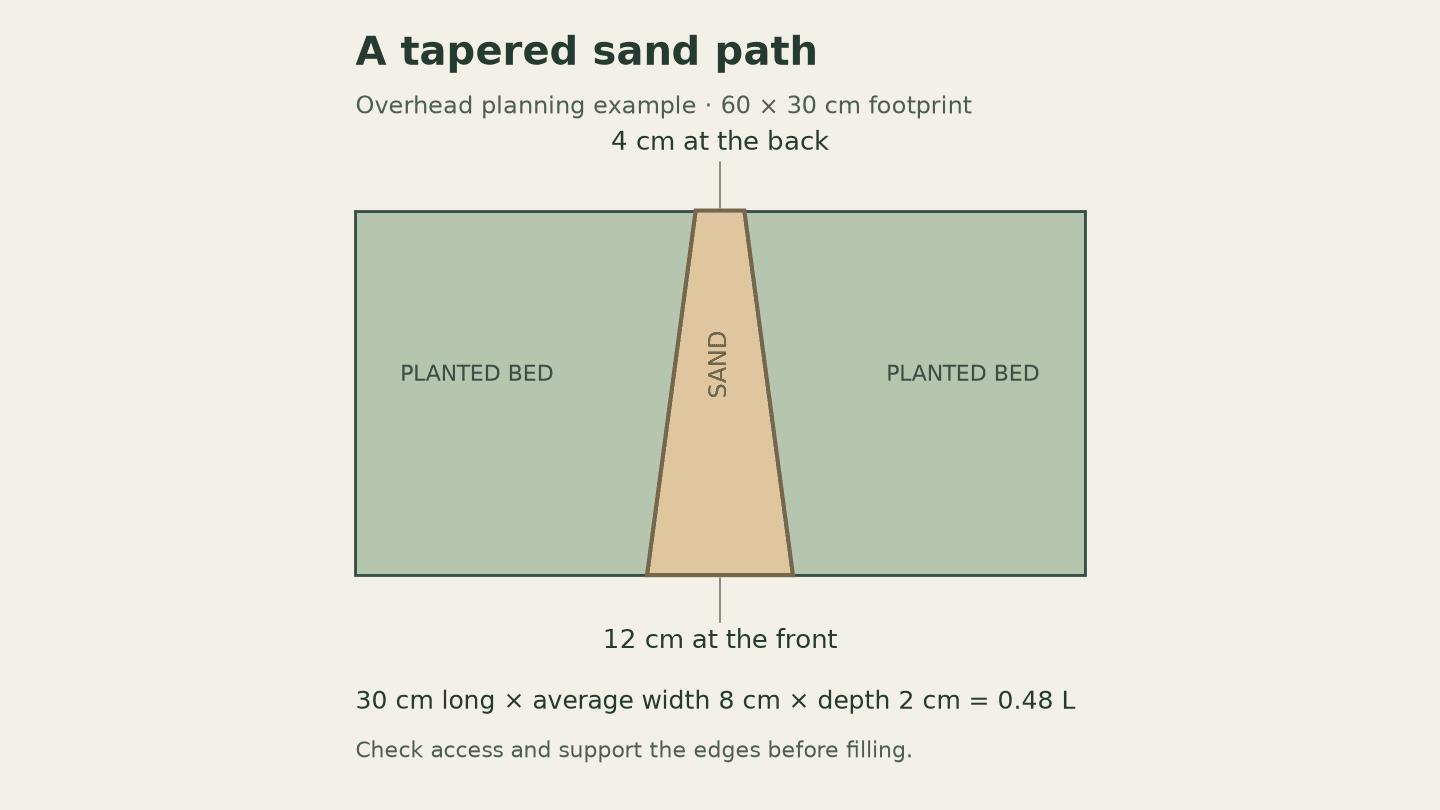
A reachable route and a supported soil edge make a sand path easier to maintain. Rehearse access, estimate a tapered footprint and restore the surface without widening it each time.
 Hardscape & substrate
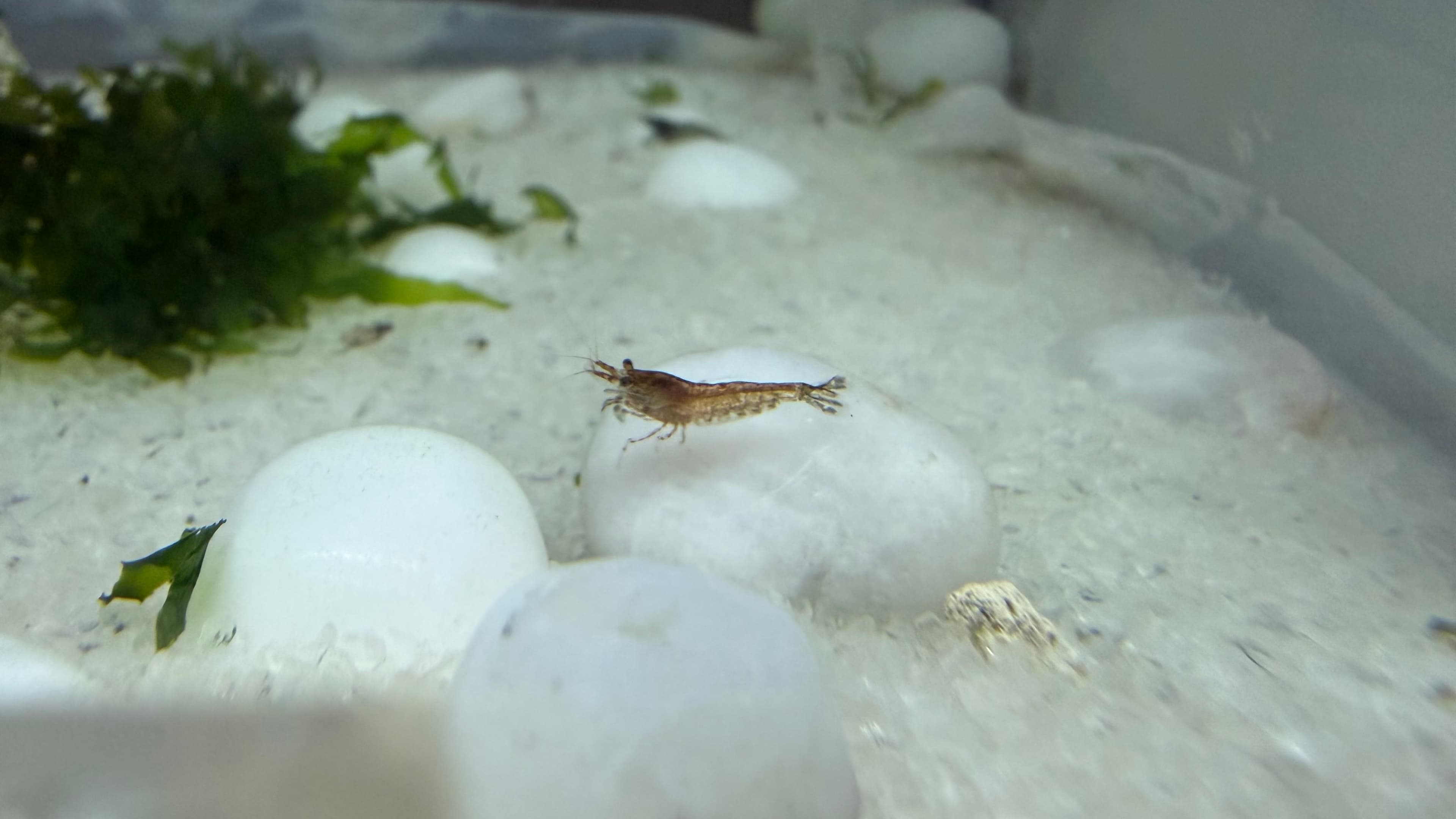
For a new cherry shrimp tank, compare the shrimp supplier’s conditions with your source water before choosing inert sand, gravel or active soil. Then plan the plants and buying quantity.
No sign-up to start