Even depth
Substrate liters = length × width × depth ÷ 1,000, with all dimensions in centimeters. A 60 × 30 cm footprint with an even 5 cm bed needs 9 liters before settling or spare material.
Use this aquarium substrate calculator to work out how much sand, gravel or aquasoil to buy: the volume in liters, an estimated weight in pounds or kilograms, and bag counts. Enter your tank dimensions and intended depth, including a front-to-back slope, then carry the setup into your scape.
How this estimate worksUse label dimensions for an estimate. For a closer measurement, use inside dimensions and your water height.
Even depth uses the same value at the front and back. Fractions such as 2 1/4 work too.
Choose a standard tank or enter length, width and height.
See how much water is left after substrate.
Estimate how much to buy for your depth.
The calculation uses your rectangular tank’s footprint and the depth of the bed. Use inside length and width for a closer estimate. Tank height keeps the setup valid for the water estimate and the planner; it does not change substrate quantity for the same footprint and depths.
Substrate liters = length × width × depth ÷ 1,000, with all dimensions in centimeters. A 60 × 30 cm footprint with an even 5 cm bed needs 9 liters before settling or spare material.
Use average depth = (front + back) ÷ 2. At 4 cm in front and 8 cm at the back, the same 60 × 30 cm footprint needs 10.8 liters. This assumes a straight slope across the full footprint.
Weight = liters × bulk density, the weight of loose material including the gaps between grains. The calculator shows the density it used for sand, gravel or aquasoil, and you can replace it with the figure for your product.
The aquarium substrate calculator accepts centimeters, decimal inches and fractions such as 2 1/4. Inches are converted to centimeters before calculating. Inches show the weight in pounds and the density in lb/ft³; centimeters show kilograms and kg/L.
Divide the calculated liters by the volume per bag and round up. For a 10.8 L bed, 3 L bags mean four bags; 9 L bags mean two. Aquasoil is usually sold this way, so its bag count does not depend on density. These are arithmetic examples, not a recommendation for a particular product.
Sand and gravel are usually sold by weight. The calculator converts the volume to an estimated weight with the density shown, then divides by common bag sizes (5, 10 and 20 lb, or 5 and 10 kg) and rounds up. Grain size, moisture and brand change the real weight, so treat the count as an estimate and compare it with the bag’s own coverage information.
Compare substrate materials and product properties before ordering. For depth decisions rather than quantities, read how to choose substrate depth and work out how much to buy.
There is no single conversion from liters to pounds that fits every product. These defaults are starting points from published figures. If your bag states a density, or both a weight and a volume, divide weight by volume and enter that figure instead.
| Material | Default density | Source |
|---|---|---|
| Sand | 95 lb/ft³ · 1.52 kg/L | CaribSea lists an average density of 95 lb/ft³ for its Moonlight Sand and Crystal River aquarium sands. CaribSea freshwater substrates |
| Gravel | 87.4 lb/ft³ · 1.4 kg/L | Midpoint of the 1,300–1,500 kg/m³ range for loose gravel in the FAO aquaculture construction manual. Aquarium gravels can be heavier. FAO, Simple Methods for Aquaculture, Table 5 |
| Aquasoil | 62.43 lb/ft³ · 1 kg/L | JBL lists 9,000 g net for a 9 L bag of ProScape Plant Soil. Some soils are lighter, around 0.9 kg/L. JBL ProScape Plant Soil product data |
A central mound, valley, terrace or separate sand path is not a full-width straight slope. Measure distinct areas separately and add their volumes. Material displaced by buried stones or raised supports is not subtracted automatically.
The displayed quantity does not include an extra purchasing margin. Choose that margin for your material and intended shape. Pick depth from the plants and the manufacturer’s instructions; the optional 6 cm estimate is an editable example, not a universal planting recommendation.
Multiply the inside length by the width and the average bed depth. A 24 × 12 inch footprint with an even 2 inch bed needs about 9.4 liters (0.33 cu ft): roughly 32 lb of sand or 29 lb of gravel at this page’s default densities, or 9.4 liters of aquasoil. Enter your own dimensions above for your tank.
There is no single correct depth. Choose it from the plants you intend to grow, the material and the manufacturer’s instructions, and allow more depth at the back if you want a slope. The optional 6 cm (about 2.4 inch) estimate in the calculator is an editable starting point, not a planting recommendation.
For bags labeled in liters, divide the calculated liters by the bag volume and round up. For bags labeled in pounds or kilograms, the calculator multiplies the volume by the density shown, divides by the bag weight and rounds up. Allow a spare bag for mounds, terraces or settling.
It depends on the material. This calculator starts from 95 lb/ft³ (1.52 kg/L) for aquarium sand, about 87 lb/ft³ (1.4 kg/L) for gravel and about 62 lb/ft³ (1.0 kg/L) for aquasoil, and shows the source for each. Grain size, moisture and brand change the real figure, so the weight is an estimate. If your bag lists a density, or both a weight and a volume, enter that density instead.
For the same footprint and depth, sand and gravel fill the same volume. They differ in weight, grain size and how roots and bottom-dwelling animals use them, so choose by your plants, livestock and the look you want. Select the material in the calculator to see its estimated weight.
Not as a flat bed at the deepest point. A straight front-to-back slope uses the average of the two depths, so a bed rising from 4 cm to 8 cm needs the same material as an even 6 cm bed, and less than an even 8 cm bed.
Yes. The volume formula is the same for each. For weight, choose the material so the calculator applies its default density, or enter the density for your product. Aquasoil is usually sold by volume, so its bag count uses liters directly.
The same bed occupies space inside the aquarium. Estimated water subtracts substrate volume from rectangular tank volume and then applies the existing 8% allowance for hardscape and space below the rim. It is a planning estimate, not the actual fill volume for dosing.
Use the result’s stocking link to carry over your dimensions, depths and any saved animal counts. A copied setup link returns to this aquarium substrate calculator. Opening a new 3D plan carries those conditions into a new tank.
Use the aquarium volume calculator to compare nominal capacity, rectangular volume and estimated water. Use the aquarium stocking calculator to review your fish, shrimp and snail selection against the water available.
The calculator answers a specific sizing question. In the aquarium planner, keep your own choices and place plants, rocks and wood by hand. Review light, CO₂, water conditions and substrate material before requesting an optional analysis.
Read how Scapesome checks a tank · Choose another aquarium calculator
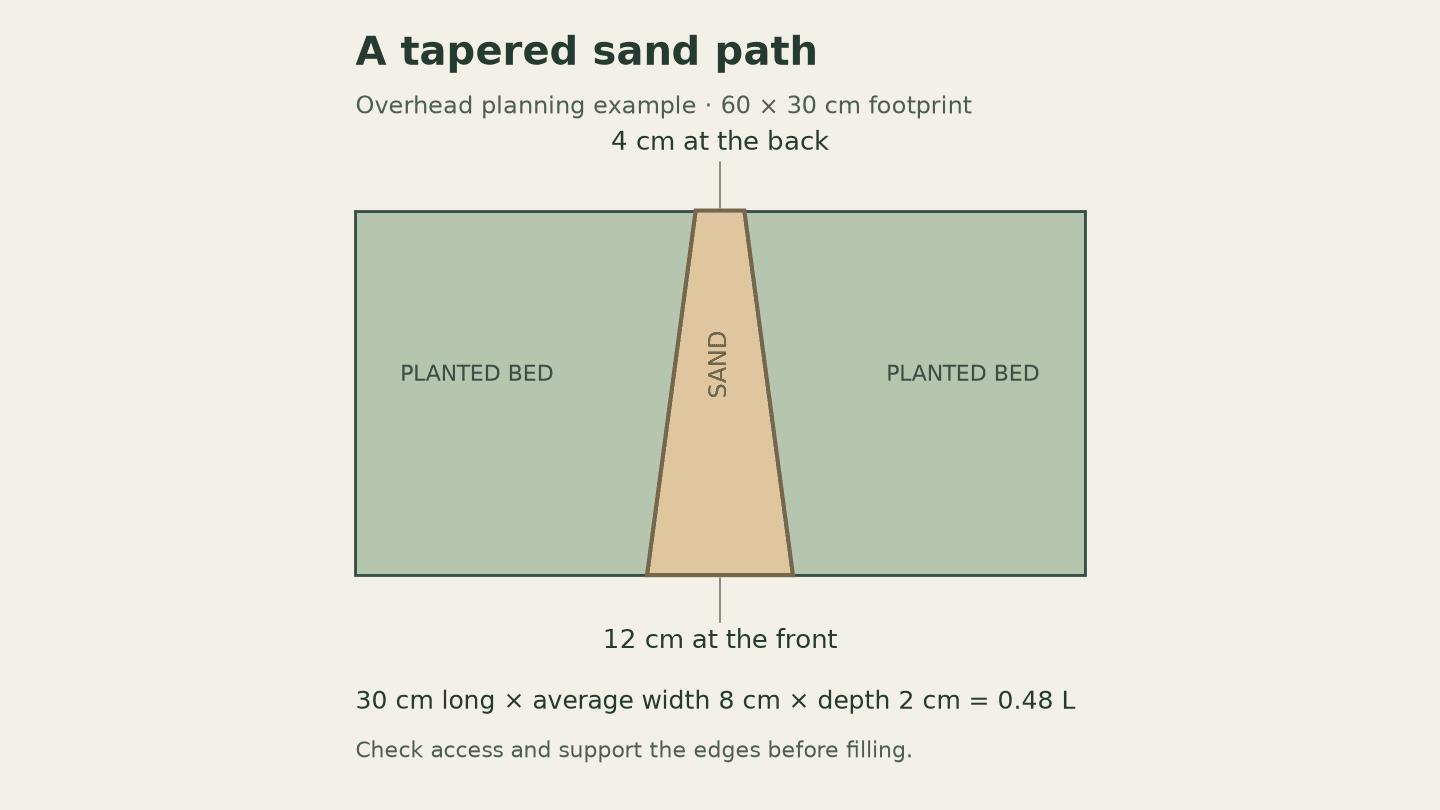
A reachable route and a supported soil edge make a sand path easier to maintain. Rehearse access, estimate a tapered footprint and restore the surface without widening it each time.
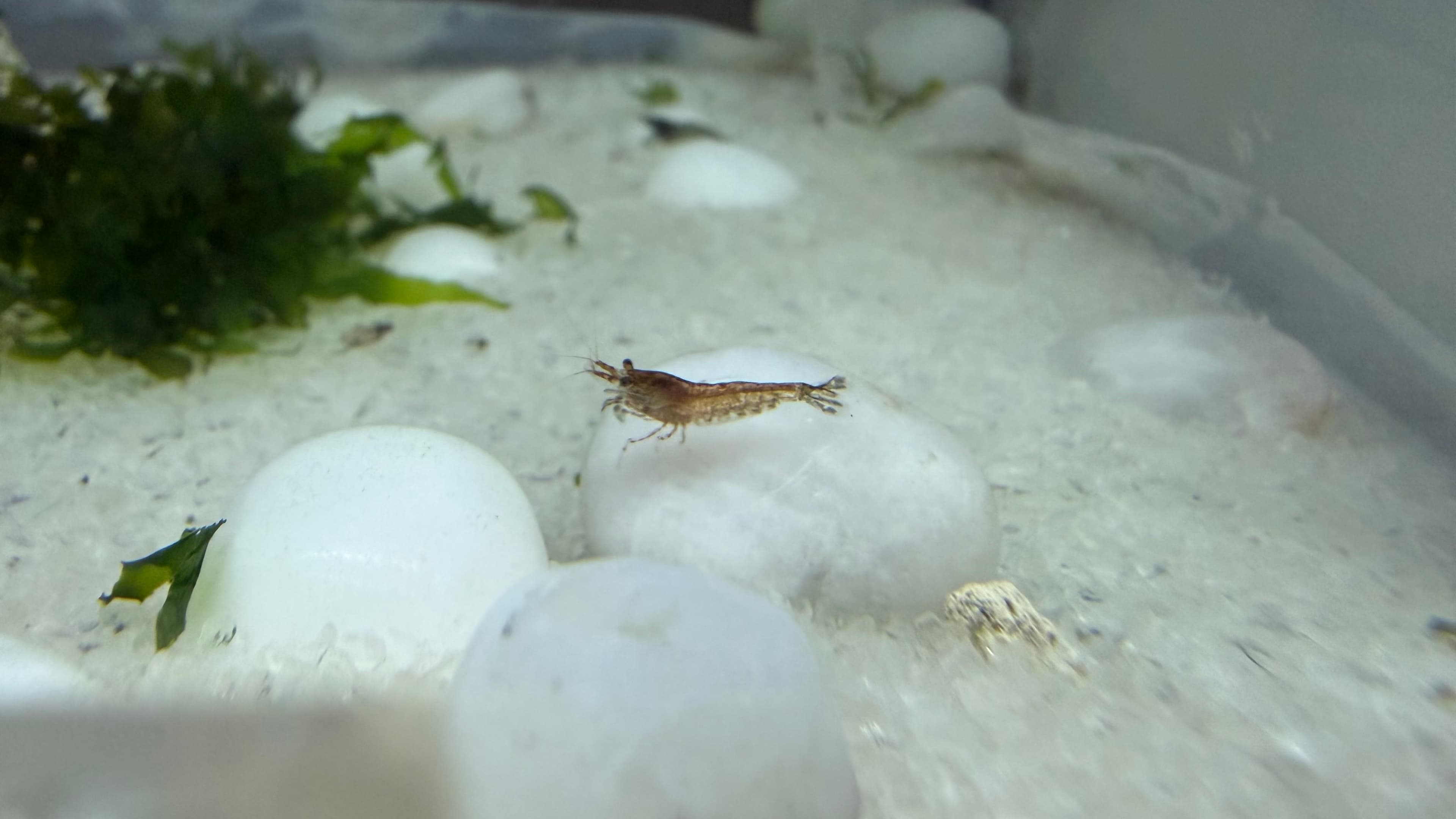
For a new cherry shrimp tank, compare the shrimp supplier’s conditions with your source water before choosing inert sand, gravel or active soil. Then plan the plants and buying quantity.
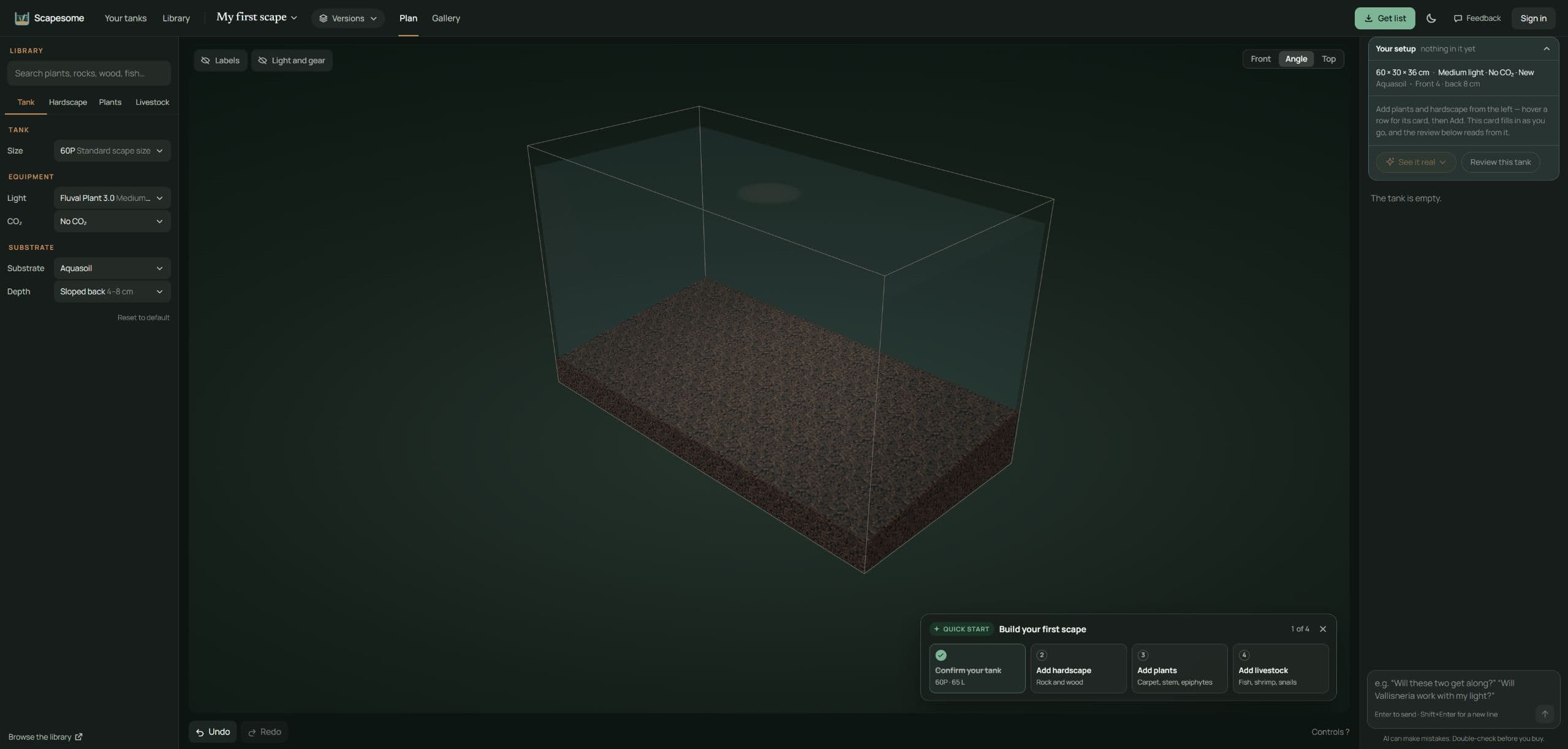
Plan flat or sloped substrate, split sand and aquasoil into separate zones, then estimate liters, weight and bags using the material’s density.