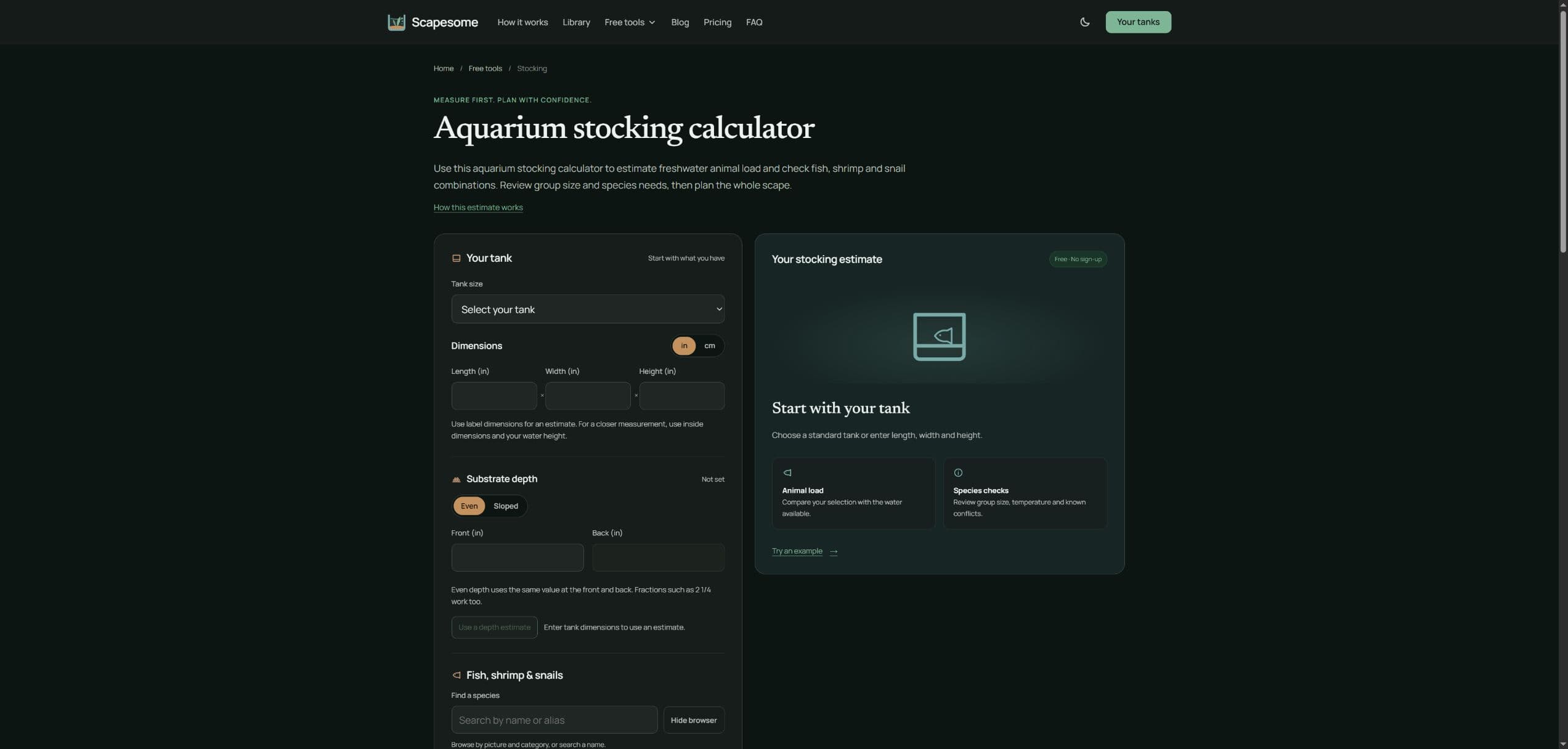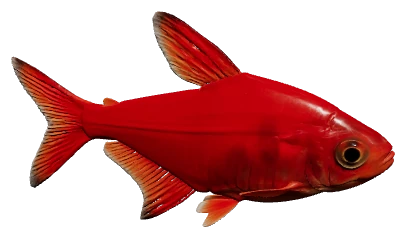
Ember Tetra
2 cm8+
Use this free aquarium stocking calculator to compare freshwater fish, shrimp and snail counts with your tank. Enter your dimensions and substrate depth, add the species you are considering, then review estimated load, group size, shared temperature and known compatibility risks. No sign-up is needed for the calculator.
How this estimate worksUse label dimensions for an estimate. For a closer measurement, use inside dimensions and your water height.
Even depth uses the same value at the front and back. Fractions such as 2 1/4 work too.
Browse by picture and category, or search a name.
Each card: adult length (cm) · minimum group
2 cm8+
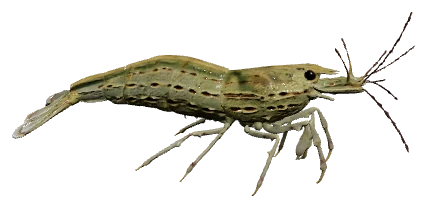
5 cm3+
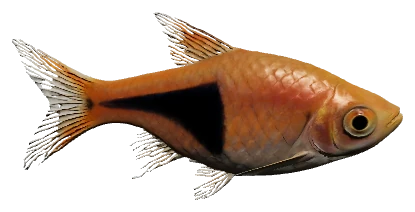
4.5 cm6+
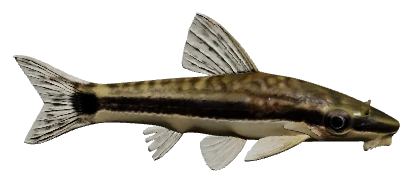
4 cm6+
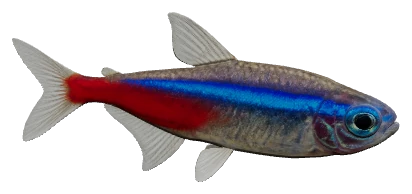
3.5 cm6+
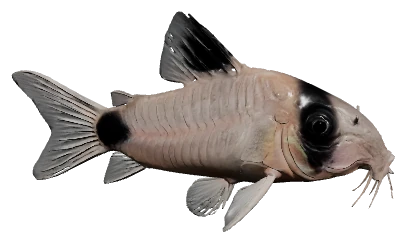
5 cm6+
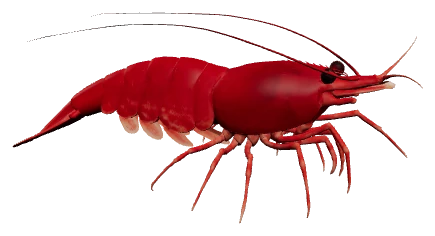
4 cm6+
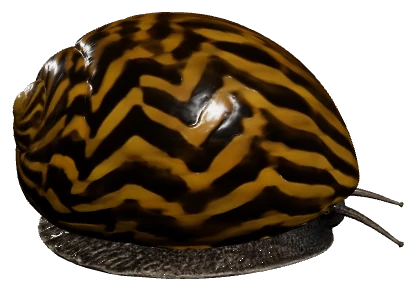
2.5 cm1+
No animals added. Choose a card above to add one at a time.
Choose a standard tank or enter length, width and height.
Compare your selection with the water available.
Review group size, temperature and known conflicts.
This freshwater planning tool estimates animal load using adult size, count and species category. It also checks the library’s minimum tank size, minimum group size, temperature overlap and recorded compatibility. A low load percentage can still accompany a species conflict.
Each animal contributes (adult length in cm ÷ 5)1.5 × its load factor. The guideline allows one such small-fish equivalent per 5 liters of estimated water. Water is calculated after your substrate and an 8% allowance for hardscape and the space below the rim. Change either depth to see the load estimate change with the water amount.
Fish use a factor of 1, small shrimp 0.1, snails 0.3, and other invertebrates or amphibians 1 unless a library entry has a specific override. These factors and the boundaries are Scapesome’s heuristics. They are not measured waste output or a universal fishkeeping standard.
Up to 100% is within this load guideline, above 100% is a fuller selection, and above 150% is above the guideline. These bands help compare changes in the same setup. They do not predict ammonia levels, account for your filter’s capacity, or certify that a tank is safe.
The model can overestimate long, slender animals and miss behavior, oxygen demand and individual variation. Review the livestock species profiles for evidence and husbandry requirements. Keep a cycled filter and monitor water rather than treating the calculator as permission to add more fish.
Minimum tank checks use a preset’s nominal capacity where available; custom tanks use their rectangular volume. Group size is checked separately against the species entry. Meeting a volume minimum does not establish enough swimming length or floor space for every animal.
The shared range is the overlap of the selected species’ library ranges, not a reading from your tank. Known conflicts are checked in both directions. Predation warnings distinguish recorded risks to adult shrimp and small fish from risks to baby shrimp. An unrecorded pairing remains uncertain.
There is no filter-model or flow-rate input. Media, filter maturity, feeding, cleaning and water changes do not change the displayed percentage. Check those conditions alongside your proposed animal list.
The calculation has no tank age, cycling history, ammonia or nitrite readings. It cannot tell you whether a new aquarium is ready for fish or predict a change in those readings after adding them. Check the cycle and measured water conditions before stocking.
The minimum-size check compares volume. It does not measure swimming routes, shelter, territories or usable floor area around your rocks and wood. Review the species’ behavior and the arrangement together, especially for bottom-dwelling or territorial animals.
The same tank can have a different amount of water after a deeper bed is added. Use the aquarium volume calculator to compare its nominal capacity, rectangular volume and estimated water. If you are still choosing the bed, the aquarium substrate calculator works out liters, estimated weight and bag counts for sand, gravel or aquasoil. Bring those dimensions and depths back to your stocking selection.
Start with the species and the tank dimensions, then enter the number of each animal you are considering. Read both the estimated load and the separate species checks. Compare a smaller group, a different species or a different tank before choosing your list. The calculator evaluates the counts you enter; it does not produce a universal maximum fish count.
Yes. This calculator uses the adult maximum length recorded for each species in the library, even when the fish you are buying are juveniles. Their counts change the load estimate, while adult length remains fixed for that species. Check the species profile and the eventual swimming room before buying.
Adult size, body shape and behavior differ too much for a single length rule. This estimate increases load faster as adult length grows, but still has limits. Minimum tank dimensions, school size, oxygen and territory can matter even when estimated load is low.
No. Read the separate species checks. A school that is too small, incompatible temperature ranges, aggression or shrimp predation can make a selection unsuitable regardless of load. Missing warnings also do not prove that a pairing is compatible.
Yes, available species can be added with their counts. Small shrimp have a lower estimated load factor than fish. Predation on baby shrimp is displayed separately where the library records it; that warning does not estimate survival rates.
It does not know your filtration, ammonia, nitrite, dissolved oxygen, actual temperature or whether the tank has cycled. Those require measurement and husbandry checks. Start with a conservative selection and increase it gradually only when the tank’s conditions support it.
The same gallon label can describe different footprints and heights. Select the matching preset above, or enter your actual dimensions. The water estimate uses those dimensions and your substrate depths. Review swimming length, floor space and access separately, since meeting the library’s minimum volume is only one check.
Plants do not add an allowance to this load calculation. It uses estimated water volume, animal adult size, species category and counts. Plant growth, filtration and maintenance can vary between tanks, so the calculator leaves those conditions for your own review.
Yes. You can enter dimensions, add species and read the load estimate and species checks for free without signing up. If you continue into the 3D aquarium planner, the site’s current account requirement applies. Images and AI tank reviews are optional actions with their own credit costs.
The calculator answers a specific sizing question. In the aquarium planner, keep your own choices and place plants, rocks and wood by hand. Review light, CO₂, water conditions and substrate material before requesting an optional analysis.
Read how Scapesome checks a tank · Choose another aquarium calculator